
In 2026, researchers are studying kids’ channels on IPTV in NZ households, and they look genuinely different from a year ago. Parents are facing a landscape reshaped by Sky’s December 2025 changes—and a lot of what’s written about kids’ channels IPTV NZ households find online hasn’t caught up with them yet. Nickelodeon and Cartoon Network, channels a generation of Kiwi kids grew up on, have disappeared from Sky in their original form.
This guide covers what actually replaced them, what’s free, what’s paid, and how to set up proper parental controls if IPTV is part of your household’s viewing.
Quick Answer: Sky Kids (launched 2 December 2025, Channel 101) replaced Nickelodeon and Nick Jr. on Sky, drawing from the same content library. Cartoon Network’s slot was also replaced by Sky Kids — but Cartoon Network’s own content moved to HBO Max via the Sky Entertainment package, not to any free platform. Disney+ remains the strongest dedicated kids and family streaming platform (verify current pricing at disneyplus.com). TVNZ+ and Three Now both carry genuine free children’s content. There is no dedicated linear kids channel on Freeview. Source: NZ Herald / TV Tonight
This guide is part of the Kiwi IPTV Guide — the complete NZ streaming picture.
What Actually Happened to Nickelodeon and Cartoon Network on Sky
This is the question most NZ parents are actually asking in 2026, and it’s worth being precise about it — several existing guides and even some IPTV provider websites still list “Cartoon Network NZ” and “Nick Jr NZ” as current channels. They aren’t.
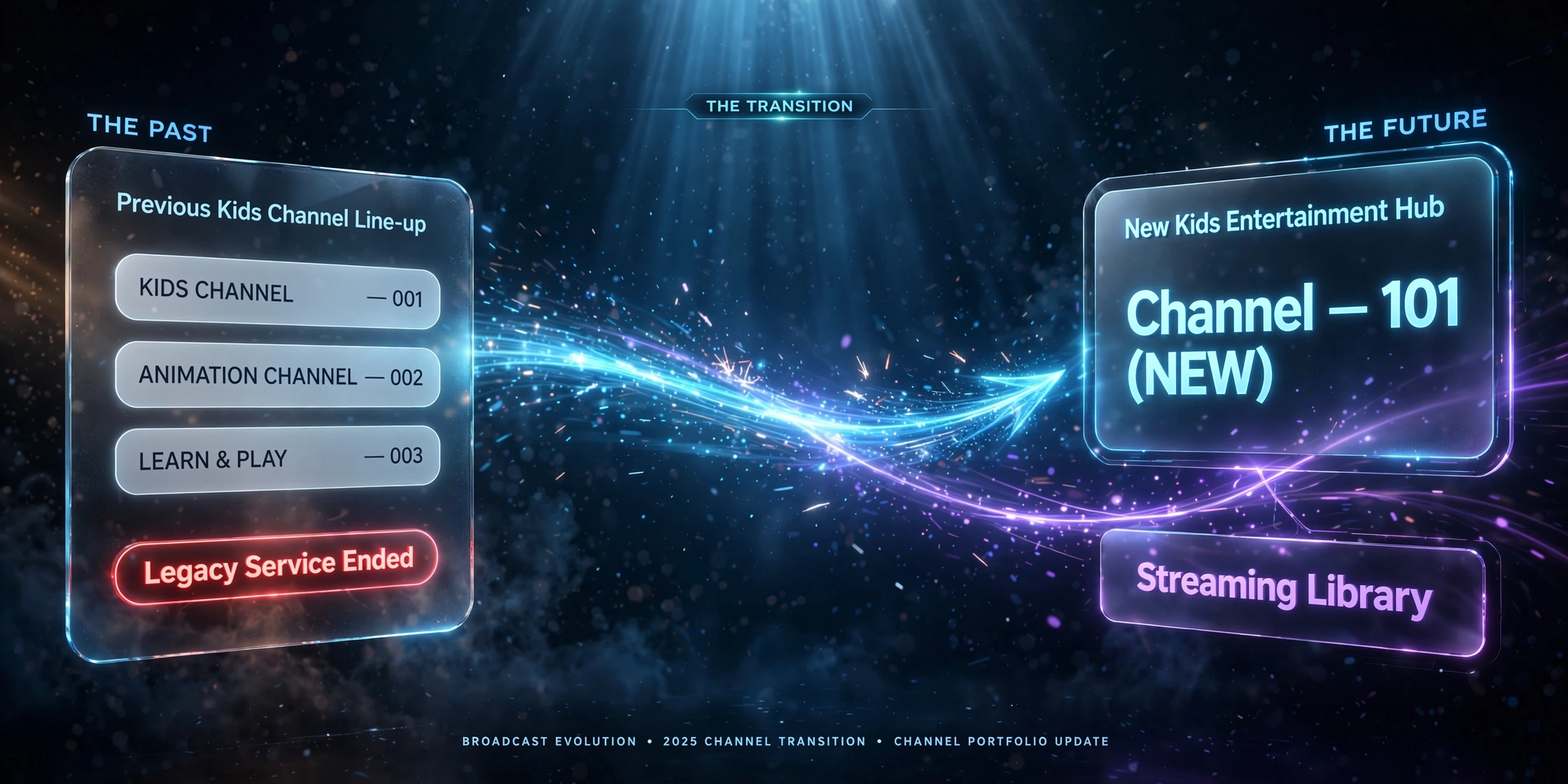
What changed: Sky’s programming agreement with Paramount (which owned Nickelodeon, Nick Jr., Comedy Central, and the MTV channels) expired. Sky removed all of these channels on 2 December 2025 and launched two replacement channels the same day: Sky Kids (Channel 101) and Sky Comedy (Channel 11).
Where Nickelodeon and Nick Jr content went: Sky Kids draws primarily from the Nickelodeon and Nick Jr libraries — SpongeBob SquarePants, PAW Patrol, Dora, Teenage Mutant Ninja Turtles, and The Loud House, plus older favourites like Hey Arnold!, Rugrats, and CatDog — supplemented by new acquisitions and locally commissioned New Zealand content like Katie’s Kuri.
Where Cartoon Network content actually went — the correction that most guides get wrong: Cartoon Network’s channel slot was absorbed into Sky Kids, but the Cartoon Network content library itself moved to HBO Max, accessible via the Sky Entertainment package — not to ThreeNow or any free platform. If you’re specifically after Cartoon Network shows, that means a Sky Entertainment subscription, not a free workaround.
Why the change happened: An NZ On Air study released shortly before the change found that only 11% of NZ children aged 4–14 still watched Sky channels, against 69% watching YouTube. The economics of maintaining multiple licensed children’s channels clearly no longer made sense compared to Sky building its own curated alternative.
From testing: Sky Kids has provided a smoother experience than expected — the schedule is dayparted sensibly (preschool content in the morning, after-school programming later), and the mix of Nickelodeon staples with local NZ content works better as a single destination than four separate channels did.
Is There a Dedicated Kids TV Channel on Freeview?
Being direct about this, because it’s a genuinely common point of confusion: no. Freeview New Zealand does not currently have a dedicated linear kids’ channel. The last channel actually named “Kids TV” was a cable-only channel that shut down in 2001, long before Freeview existed. Channel 15 on Freeview is Te Reo, Māori Television’s sister channel – not a kids channel, despite that being a commonly searched assumption.
What Freeview does carry: children’s programming airs in scheduled blocks on TVNZ 1, TVNZ 2 and Three (including locally produced kids’ news content) and on demand through TVNZ+ and ThreeNow, both genuinely free with no account required on most devices. If you’re after a single dedicated “channel” experience the way Sky Kids or Disney+ provides it, Freeview isn’t structured that way — it’s block-scheduled, not a standalone kids channel.
Disney+ — The Legal Streaming Alternative for Families
Disney+ isn’t an IPTV substitute — it’s a separate, fully licensed streaming service — but it’s genuinely the most complete children’s content platform available in New Zealand and a common point of comparison for families deciding where to spend their streaming budget.
What it carries: the complete Disney animated catalogue; Pixar’s full library; family-appropriate Marvel content plus the wider MCU for older kids and teens; the complete Star Wars catalogue; and National Geographic’s children’s documentary content.
On pricing: Disney+ NZ has changed its pricing structure more than once recently, with no ad-supported tier currently offered in New Zealand. Rather than quote a figure that may already be outdated, check current plans directly at disneyplus.com before subscribing.
From experience: Disney+ has worked reliably for family viewing — the kids’ profile system restricts children’s profiles to age-appropriate content only, with a PIN required to switch to an adult profile.
Free Children’s Content — TVNZ+ and ThreeNow
TVNZ+ carries a free children’s content library, including New Zealand-produced programming and international acquisitions, accessible without an account on most devices.
ThreeNow carries children’s content from the Warner Bros. Discovery library through its WBD-branded streaming channels — genuinely free, no subscription needed. To be clear, since this is a common point of confusion: this is separate WBD-licensed content on ThreeNow, not the former Cartoon Network library, which sits behind Sky Entertainment via HBO Max as covered above.
Parental Controls on IPTV — Keeping Kids’ Channels IPTV NZ Households Safe
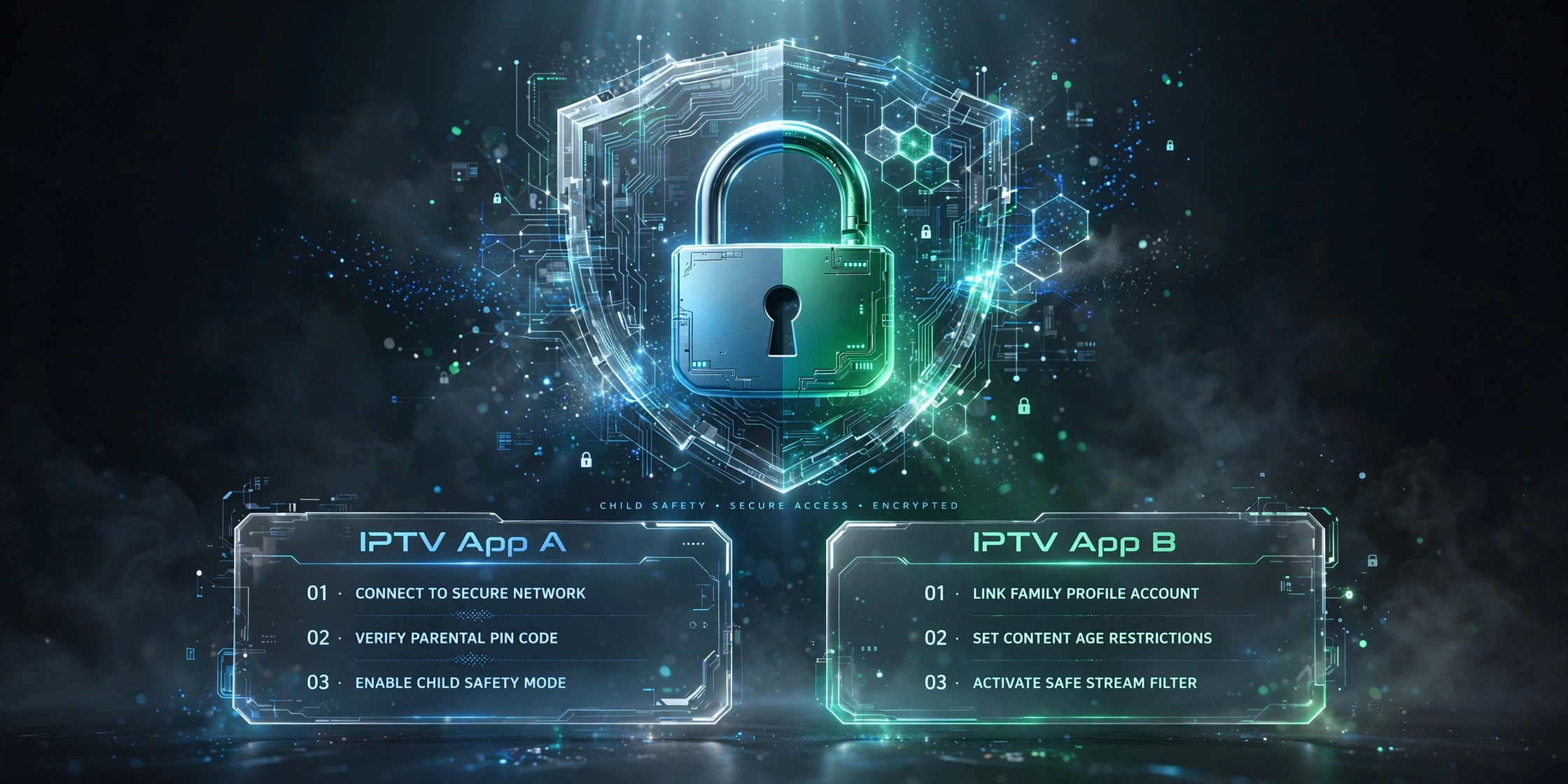
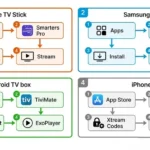
This topic is where a lot of kids’ channel guides stop short, and it’s worth covering properly, because setting up IPTV safely for children isn’t complicated once you know where the settings are. Most households use Tivimate or IPTV Smarters Pro specifically, so this guide covers both.
IPTV Smarters Pro: Go to Settings, then Parental Controls, and enable the PIN. This lets you lock specific channel categories – adult content separately from children’s channels, which are typically grouped under a “Kids” category in the channel list.
TiviMate: Settings → General → Parental Lock → Enable PIN. Individual channels or entire categories can be locked separately.
The practical setup that actually works for families:
- Create a dedicated favourites list containing only children’s channels
- Set the app to open on that favourites list by default, rather than the full channel guide
- PIN-lock the main channel list and any adult categories separately
- Use a supervised or child-specific device profile where the platform supports it, rather than relying on the app-level PIN alone
Done this way, a child using the device sees only the curated kids’ favourites — functionally similar to a dedicated kids’ app, but without access to the rest of the channel list.
What About International Kids Channels?
For most NZ households, demand for children’s content is overwhelmingly in English — that’s consistently what we hear from families setting up IPTV, rather than requests for kids’ content in other languages. If your household specifically wants children’s programming in a language other than English, some IPTV services may include international kids’ channels as part of a broader package — availability varies considerably by provider and is worth confirming directly before subscribing on that basis. For New Zealand’s Māori-speaking families specifically, Whakaata Māori’s MĀORI+ platform carries free te reo Māori children’s programming — see the Māori TV guide for details.
Common Misconceptions — Kids TV NZ 2026
“Cartoon Network content is now free on ThreeNow.” No—one of the most common errors currently circulating. Cartoon Network’s programming moved to HBO Max via the paid Sky Entertainment package. ThreeNow’s WBD children’s content is a separate, genuinely free offering, but it isn’t the former Cartoon Network library.
“Kids TV is channel 15 on Freeview.” No—channel 15 is Te Reo. Freeview has no dedicated linear kids channel at all.
“Sky Sport Now includes Sky Kids.” No. Sky Sport Now is a sport-only streaming product. Sky Kids requires a Sky TV subscription (Sky Starter package) via satellite or Sky Go.
“Nickelodeon is still on Freeview.” Nickelodeon and Nick Jr were pay-TV channels on Sky, not Freeview, and both are gone in their original form — replaced by Sky Kids.
“IPTV has no parental controls.” Both TiviMate and IPTV Smarters Pro support PIN-based category locking; when properly configured, this feature restricts children to approved channels only, comparable to dedicated kids’ apps on other platforms.
Legal Note
Sky Kids, Disney+, TVNZ+, and Three Now all licensed platforms are operating under their own content agreements. IPTV services carrying children’s channels are subject to individual provider licensing arrangements—availability and legality vary by provider and should be verified rather than assumed. For a fuller breakdown, see Is IPTV Legal in NZ? See also the Copyright Act 1994.
The Bottom Line
If you want purely legal, licensed children’s content: Sky Kids (if you already have Sky), Disney+, TVNZ+, and ThreeNow between them cover the vast majority of what NZ families need — Sky Kids and Disney+ for depth, TVNZ+ and ThreeNow for genuinely free options. There’s no standalone “kids channel” on Freeview to fall back on, so it’s worth knowing that gap exists before assuming one does.
If you want a broader family and entertainment package that includes kids’ content, some IPTV services offer children’s channels as part of a wider package. When properly set up with PIN-based parental controls and a dedicated kids’ favourites list, this can work well for households already using IPTV for other content. For the fuller cost picture, see IPTV vs Sky NZ.
Whatever the combination, the one thing worth doing on any platform is checking that parental controls are actually configured — not just available.
Updated: 20 July 2026 — live-verified against NZ Herald, Wikipedia, TV Tonight and sky.co.nz sources, Auckland.
Sources
- Sky Kids and Sky Comedy launch (2 December 2025): NZ Herald / TV Tonight
- Cartoon Network content moving to HBO Max via Sky Entertainment: Content + Technology
- Sky Kids channel details, launch date, Channel 101: Wikipedia — Sky Kids
- Freeview channel 15 (Te Reo) and the NZ free-to-air channel list: NZ Pocket Guide
- NZ On Air children’s viewing study (11% Sky vs 69% YouTube): cited via Wikipedia / NZ Herald coverage
- Disney+ NZ current plans: disneyplus.com — verify before subscribing
- NZ Copyright Act 1994: legislation.govt.nz