
By Ryan Mitchell | Wellington | Updated June 2026
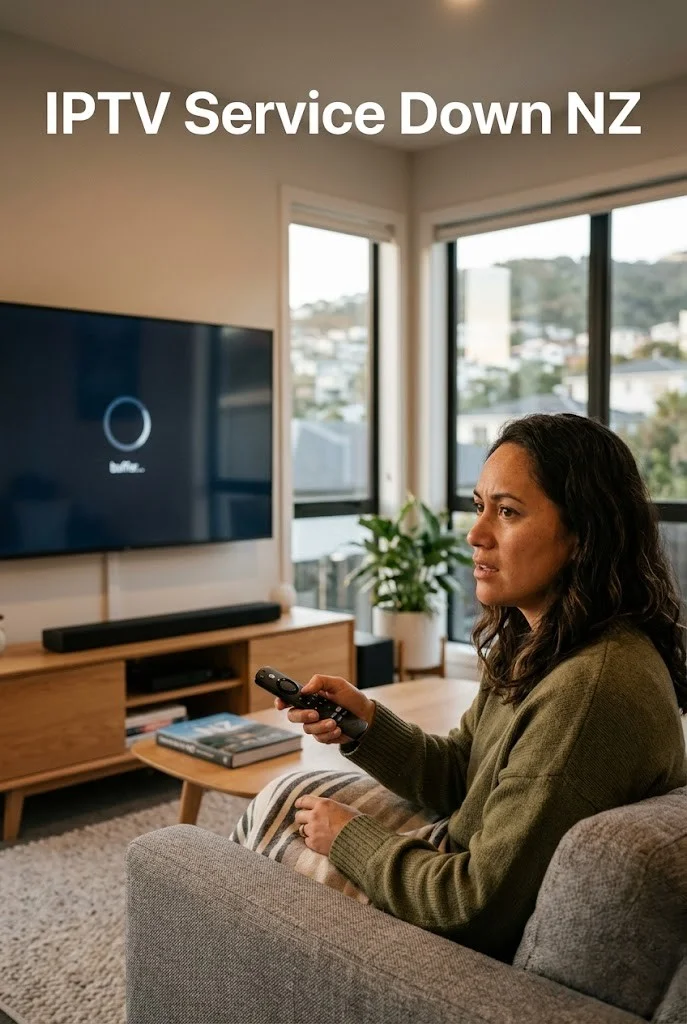
IPTV doesn’t go down as one single thing — it’s thousands of independent providers, each running their own servers. There’s no global “IPTV outage” the way there might be for a service like Netflix. IPTV itself is just a technology for delivering television over internet protocol — individual services may be licensed or unlicensed depending on their content rights, and that has no bearing on how the technology itself functions.
When yours stops working, the cause is almost always one of three things: your specific provider is having a server problem, your home network or device has an issue, or — far less often than people assume — something is blocking the connection at the ISP level.
This guide walks through how to tell which one you’re dealing with, in the order that’s fastest to check.
Quick Answer
If your IPTV service is down in NZ, test the same account on mobile data instead of home Wi-Fi first. If it works on mobile data, the issue is your router or home network. If it fails everywhere, the problem is usually your provider, account status, or their server infrastructure.
| Test | Result |
|---|---|
| Works on mobile data | Network issue |
| Fails everywhere | Provider issue |
| The app won’t open | Device/App issue |
| Only some channels fail | Stream issue |
⚖️ Legal Note
This guide covers technical troubleshooting only. Always use licensed IPTV services compliant with the NZ Copyright Act 1994 — legislation.govt.nz
This guide is part of the IPTV Troubleshooting NZ section. For complete app failure with specific symptoms, see IPTV Not Working NZ.
Quick Diagnosis — Three Possible Causes
| Symptom | Most Likely Cause | Check |
|---|---|---|
| Everything stopped at once; no changes made | Provider server issue | Step 1 |
| It worked fine yesterday; nothing today | Subscription or provider issue | Step 1 |
| Works on phone (mobile data), not on home Wi-Fi | Local network issue | Step 2 |
| The app itself looks broken or won’t open | Local device/app issue | Step 3 |
| Suspicious it’s deliberate blocking | ISP-level block | Step 4 |
| One specific app (e.g. IPTV Smarters) acting up | App-specific issue | Step 3 |
Common Reasons for IPTV Service Down NZ Reports
The most frequent causes behind IPTV service down NZ reports, in order of how often they actually turn out to be the issue, are as follows:
- Expired subscription — the single most common cause
- Provider server maintenance or overload
- Home router needing a restart
- Outdated app version
- Genuine ISP-level blocking — by far the rarest
Working through Steps 1 to 4 below in this order matches how the causes are actually distributed in practice — start with the most likely, not the most dramatic.
In This Troubleshooting Section
- IPTV Buffering Fix NZ ✅
- IPTV Not Working NZ ✅
- IPTV Black Screen NZ ✅
- IPTV Freezing Firestick NZ ✅
- IPTV Error Codes NZ ✅
- IPTV Keeps Disconnecting NZ ✅
- IPTV App Not Loading NZ ✅
- IPTV Service Down NZ ✅ — you are here
Table of Contents
- Step 1 — Is It Your Provider?
- How to Check IPTV Server Status in NZ
- Step 2 — Is It Your Home Network?
- Step 3 — Is It Your Device or App?
- Step 4 — Is It ISP Blocking?
- The Reboot — When in Doubt, Do This First
- Is My Specific App Down? (TiviMate, IPTV Smarters, etc.)
- What “IPTV Shutdowns” in the News Actually Mean
- FAQ
Step 1 — Is It Your Provider?
This is the most common cause of what people call an IPTV outage in New Zealand, and the easiest to rule in or out.
First, please check your subscription.
The single most overlooked cause of “service down” reports is a simple expired subscription. Check your original signup email for the expiry date, or log into your provider’s member portal if they have one.
Check if it’s everything or just specific channels.
If every channel has stopped at once, it’s likely a provider-wide server issue. If only some channels are affected while others play fine, you’re usually looking at a specific stream source issue on the provider’s end, not a full outage.
There is no universal “IPTV down” status page, because IPTV isn’t one service — it’s thousands of independent providers. Generic outage trackers like Downdetector can show reports for big named platforms, but won’t show anything useful for most smaller or regional IPTV providers.
How to Check IPTV Server Status in NZ
There’s no single dashboard that tracks every IPTV provider’s uptime — because there’s no single IPTV service to monitor. A few practical ways to check your specific provider’s status before assuming the worst:
Provider support channel: some IPTV providers maintain customer update channels — such as Telegram or Discord — specifically for service updates and maintenance announcements.
Customer dashboard: check your provider’s member portal or app-based account area for status notices before contacting support directly.
Contact support directly: for smaller providers without a public status channel, a direct message is often the fastest way to confirm whether an issue is on their end or yours.
A planned maintenance window explains a lot more apparent “downtime” than people expect — checking before troubleshooting your setup can save real time.
Step 2 — Is It Your Home Network?
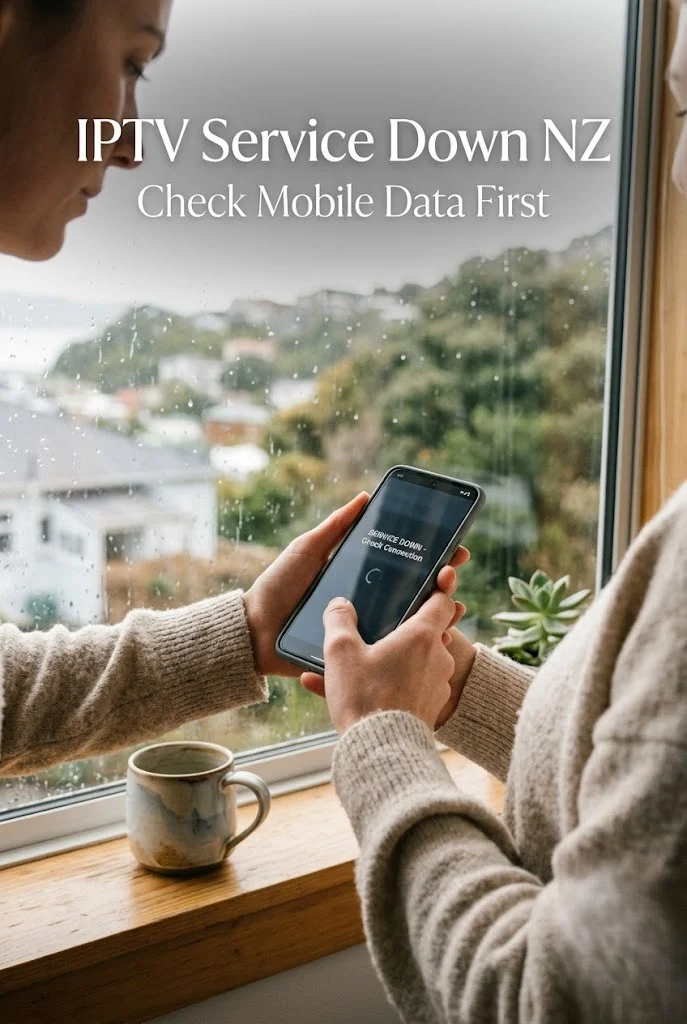
Before blaming your provider entirely, rule out your connection — this takes under a minute and saves a lot of wasted troubleshooting.
The mobile data test:
Install IPTV Smarters Pro on your phone. Turn off home Wi-Fi, switch to mobile data (4G/5G), and try the same channel with the same credentials.
| Result | What it tells you |
|---|---|
| Works on mobile data | Your home network or router is the problem |
| Fails on mobile data too | Provider-side or account-side — not your network |
If it fails on your home network specifically, restart your router (unplug for 30 seconds, plug back in, wait 60 seconds) before doing anything else. This resolves a surprising number of “service down” situations that were actually a stuck home router.
If your IPTV connects fine but drops out repeatedly rather than failing outright, that’s a different and more specific pattern — see IPTV Keeps Disconnecting NZ for router settings and Wi-Fi fixes aimed at that exact symptom.
Step 3 — Is It Your Device or App?
Sometimes the connection and the provider are both fine, but the specific app or device you’re using has a local glitch.
Signs this is the issue:
- The app opens slowly, behaves oddly, or shows a generic error not tied to your specific provider
- It’s been working fine for weeks and nothing about your subscription has changed
- Other devices on the same network and same provider account work fine
Fix — clear cache and restart:
Settings → Applications → Manage Installed Applications → your IPTV app → Clear Cache → Clear Data → relaunch → re-enter credentials manually from your provider email.
Fix — check for app updates:
An outdated app version occasionally has compatibility problems with current provider server formats. Check your device’s app store for pending updates.
Fix — try the same playlist in a different app:
If you have IPTV Smarters Pro and TiviMate both installed, try the same credentials in the second app. If it works there — the issue is specific to the first app, not your provider or network at all.
If your channels load but the picture itself is poor — stuttering, freezing, or constantly buffering rather than failing to load — that’s a separate issue with its own fixes. See IPTV Buffering Fix NZ.
Step 4 — Is It ISP Blocking?
This is the least common cause for NZ viewers specifically, but worth checking properly rather than assuming based on forum claims.
What genuine ISP blocking looks like:
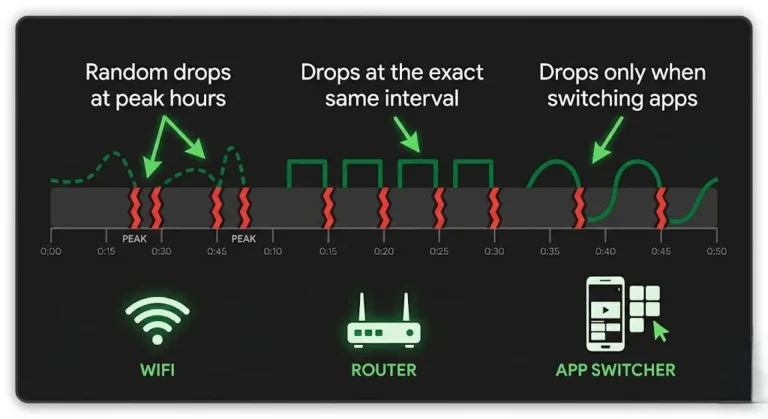
Outright blocking means the connection fails consistently, every time, immediately — not intermittently and not just at peak hours. If your stream sometimes works and sometimes doesn’t depending on time of day, that’s a different pattern.
Based on user reports and broadband performance observations across NZ ISPs, intermittent slowdowns at peak hours are far more commonly linked to Wi-Fi congestion or provider server load than to deliberate ISP-level blocking.
How to test for genuine blocking:
Try a completely different IPTV provider’s server URL if you have access to one, on the same home connection. If one provider’s servers are consistently unreachable while a different provider’s servers work fine on the same connection — that points to that specific provider’s infrastructure, not your ISP blocking IPTV as a category.
There is no documented policy from NZ ISPs (Spark, One NZ, 2degrees, Chorus) of blocking licensed IPTV traffic. Claims of widespread ISP-level IPTV blocking circulate heavily in forums and Facebook groups — often from sources with a VPN to sell.
🇳🇿 NZ Context: if you genuinely suspect ISP-level interference after ruling out your provider, network, and app — see VPN for IPTV NZ for an honest test of when a VPN actually helps versus when it just adds latency for no benefit.
The Reboot — When in Doubt, Do This First
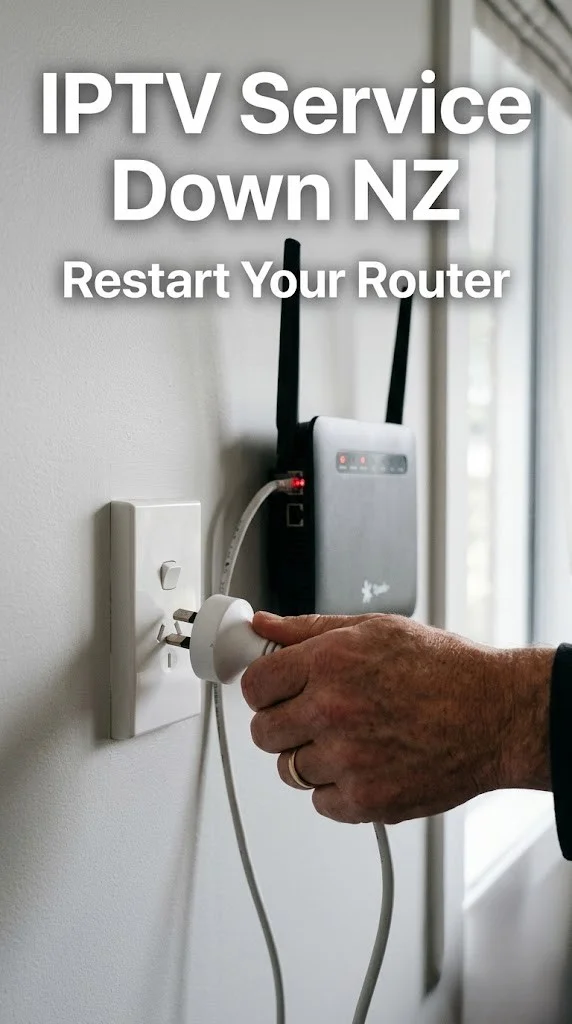
If you’re not sure which of the above applies, or you just want the fastest possible fix to try before deeper troubleshooting — do this first.
Full reboot sequence:
- Unplug your streaming device (Firestick, Android TV box, etc.) from power
- Unplug your router from power
- Wait 3–5 minutes — genuinely wait, don’t rush this
- Plug the router back in first, wait for it to fully reconnect (60+ seconds)
- Plug the streaming device back in
- Open your IPTV app and test
💡 From Ryan Mitchell:
The 3–5 minute wait matters more than people think — a lot of guides say “restart your router” and people unplug it for five seconds and call it done. That’s not long enough to fully clear the router’s connection state. This full sequence resolves issues that look like a complete provider outage but are actually just a router that needed a proper, patient restart.
Is My Specific App Down? (TiviMate, IPTV Smarters, etc.)
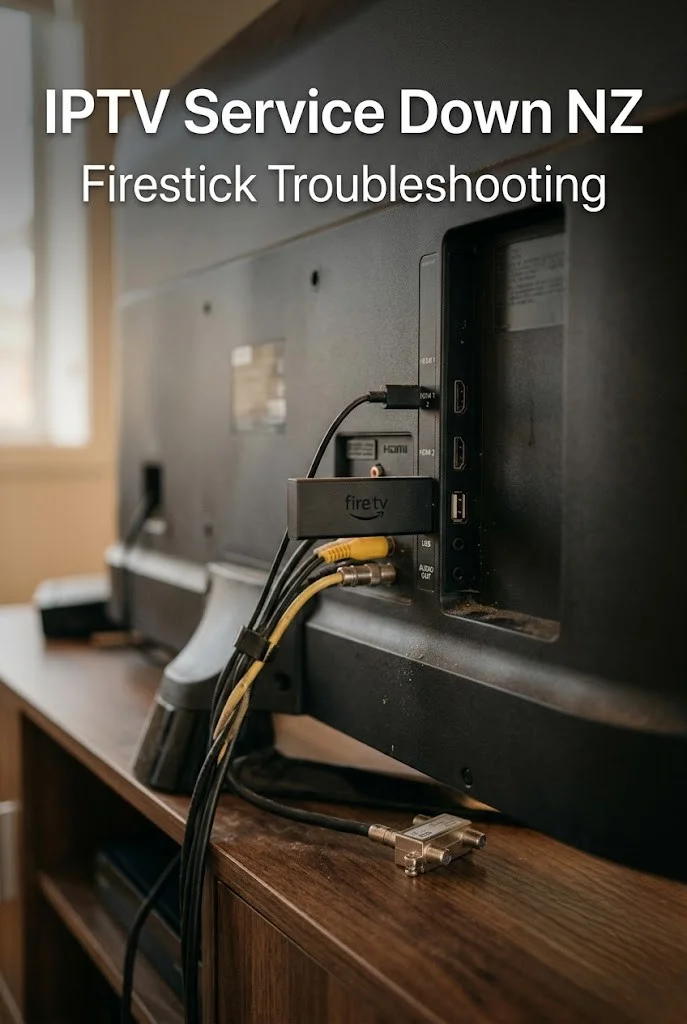
People often ask whether the app itself — rather than their specific provider — has gone down. This distinction matters because the answer changes what you should do next.
The apps themselves (TiviMate, IPTV Smarters Pro, GSE Smart IPTV) are players, not content providers. They don’t host channels — they display whatever playlist you’ve loaded into them. If “IPTV Smarters Pro is down,” that almost always means either:
- A specific update broke compatibility with certain provider formats temporarily
- The app itself has a server-side login or licensing check that’s having issues (rare, but does happen)
- Confusion between the app being down and your specific provider being down — these are different things entirely
How to tell the difference:
If TiviMate or IPTV Smarters Pro won’t even open, or crashes immediately on launch regardless of which playlist you try — that’s the app itself. If the app opens fine but your specific channels won’t load — that’s your provider, not the app.
If you’ve confirmed the app opens correctly but specific error messages appear when loading channels, matching those exact messages to a cause is faster than guessing — see IPTV Error Codes NZ for a full breakdown of what each one means.
What “IPTV Shutdowns” in the News Actually Mean
Occasionally headlines about “IPTV crackdowns” or “shutdowns” circulate, and they cause understandable concern among NZ viewers. Worth understanding what these stories actually describe.
These reports almost always refer to specific unlicensed providers or piracy operations being shut down by legal action in particular countries — not a blanket shutdown of IPTV as a technology or category. As noted earlier, IPTV is simply a delivery method; it’s the licensing status of individual content sources that determines legality, not the technology itself.
If a specific provider you use disappears permanently following this kind of news, that’s a sign to move to a licensed alternative — not evidence that “IPTV is being shut down” everywhere.
FAQ
Q: Is IPTV down right now in NZ?
A: No single IPTV service can be “down” across New Zealand, because IPTV is made up of thousands of independent providers rather than one platform. Check whether your specific provider has a support channel for maintenance announcements, and test on mobile data to rule out your home network. If your provider’s servers are unreachable but a different provider works fine on the same connection, the issue is specific to that provider, not a wider outage.
Q: How do I know if my IPTV provider’s server is down versus my own connection?
A: Install IPTV Smarters Pro on your phone, switch off home Wi-Fi, use mobile data, and try the same channel with the same credentials. If it works on mobile data, your home network is the problem. If it fails on mobile data too, the issue is on your provider’s end or your account, not your home network.
Q: Is IPTV blocked by ISPs in NZ?
A: There’s no documented policy from NZ ISPs (Spark, One NZ, 2degrees, Chorus) of blocking licensed IPTV traffic. Genuine blocking would mean a connection failing consistently every time, not just at peak hours. If you suspect blocking, test a different provider’s server URL on the same connection — if one works and another doesn’t, that points to the specific provider, not ISP-level blocking.
Q: Is TiviMate or IPTV Smarters Pro down today?
A: These apps are players, not content providers — they don’t host channels themselves. If the app won’t open at all regardless of which playlist you try, that’s the app. If the app opens fine but your specific channels won’t load, that’s your IPTV provider, not the app itself.
Q: I saw a news story about IPTV shutdowns — should I be worried?
A: These stories almost always describe specific unlicensed providers or piracy operations being shut down through legal action — not IPTV as a technology being banned. IPTV itself is just a delivery method; licensing status of individual content sources is what determines legality. If your specific provider disappears following such news, switch to a licensed alternative.
Q: What’s the fastest fix to try when IPTV stops working in NZ?
A: A full reboot of both your streaming device and router — unplug both; wait 3–5 minutes (genuinely wait, not just a few seconds); then plug the router back in first; let it fully reconnect; then plug your streaming device back in. This resolves more “service down” situations than people expect, particularly router-related ones. If the issue persists after a proper reboot, work through Steps 1–4 above to fix IPTV issues systematically rather than guessing.
Explore More — IPTV Troubleshooting NZ
Published:
- IPTV Buffering Fix NZ
- IPTV Not Working NZ
- IPTV Black Screen NZ
- IPTV Freezing Firestick NZ
- IPTV Error Codes NZ
- IPTV Keeps Disconnecting NZ
- IPTV App Not Loading NZ
Related:
Conclusion
IPTV “service down” almost never means a global outage — it means one specific provider, your local network, or your device has a problem, and figuring out which one takes minutes, not hours.
Three things worth remembering:
① Test on mobile data first. This single test tells you in 60 seconds whether the issue is your home network or something further upstream — the fastest way to fix IPTV issues without guessing.
② A proper reboot — 3 to 5 minutes, not 5 seconds. Most rushed router restarts don’t actually clear the connection state. Do it properly before assuming the worst.
③ ISP blocking is rarer than forums suggest. Genuine blocking is consistent and total, not intermittent. Most slowdown complaints in NZ trace back to Wi-Fi, DNS, or provider server load instead.
For specific symptoms beyond a general outage, see IPTV Not Working NZ.
If I can’t explain it simply, I don’t publish it. — Ryan Mitchell
About the Author
Ryan Mitchell has spent over 10 years working hands-on with streaming devices, IPTV applications, and home network troubleshooting across New Zealand households.
Sources
- NZ Copyright Act 1994 — legislation.govt.nz
- Spark NZ broadband — spark.co.nz/broadband (accessed June 2026)
- Commerce Commission NZ — comcom.govt.nz (accessed June 2026)